Zombie Trend Prompt: Two Photos, an Embrace and a Memory
Understand the zombie love story prompt, plan the two character roles and the hug-to-memory transition, or make your story in ZombieTrend without writing a prompt.
Have your two photos ready? Create your zombie story ↗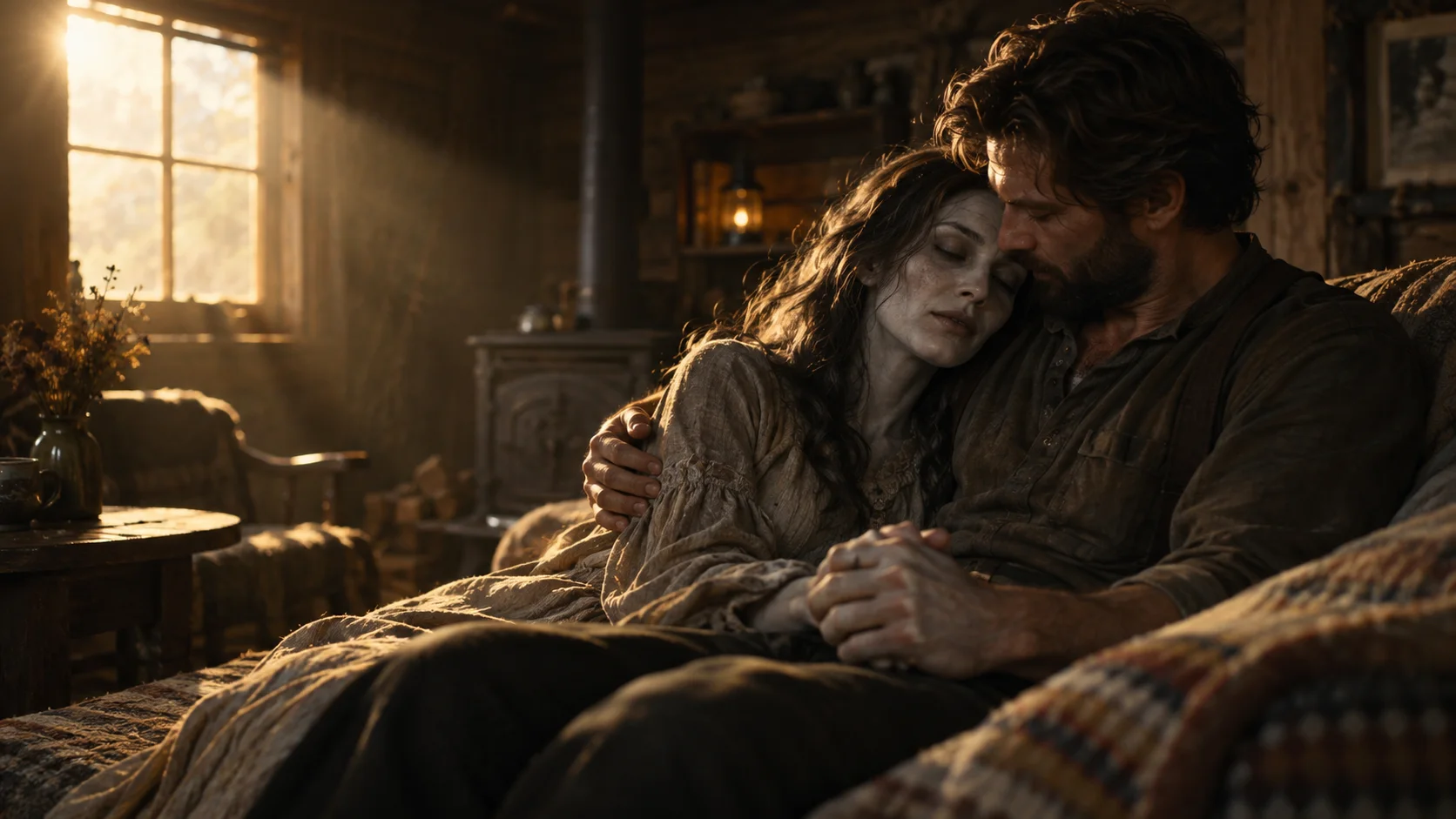
Want the story without writing a zombie trend prompt? Start in our homepage generator. Choose Human & zombie or Pet & me, add two separate photos, and follow the creator to submit. The prepared story already contains the encounter, the embrace and the happier memory.
If you want to understand how those scenes fit together, this guide gives you an original planning prompt and explains the choices behind it. It is also useful when comparing a full zombie love story video with a simple face filter.
What a zombie trend prompt needs to describe
The story is not just a request to turn a face green. It needs a relationship, a difficult moment and a change of meaning. First, one character recognizes someone familiar beneath a zombie appearance. Then the distance closes in an embrace. A warm memory continues the same relationship in a different setting.
A useful prompt names the two roles before describing the environment. The first reference is the adult who stays human. The second is the adult partner or friend who appears as a zombie and then as their healthy self. Keep those roles stable throughout the story, rather than introducing a new person for the ending.
The emotional transition is the focus. A readable face, a clear approach and a recognizable embrace matter more than listing dozens of camera effects. Too many competing actions can make a short clip lose the moment that connects the scenes.
An original zombie love story planning prompt
The prompt below outlines a human-and-zombie story. You can copy it as a starting point for a compatible reference-image video tool. Attach your actual photos there: typing “Photo 1” does not attach an image. A tool's available duration, reference support and editing controls determine how much of this outline it can produce in one generation.
Original story-planning prompt
Create a cinematic zombie love story using two attached adult reference photos.
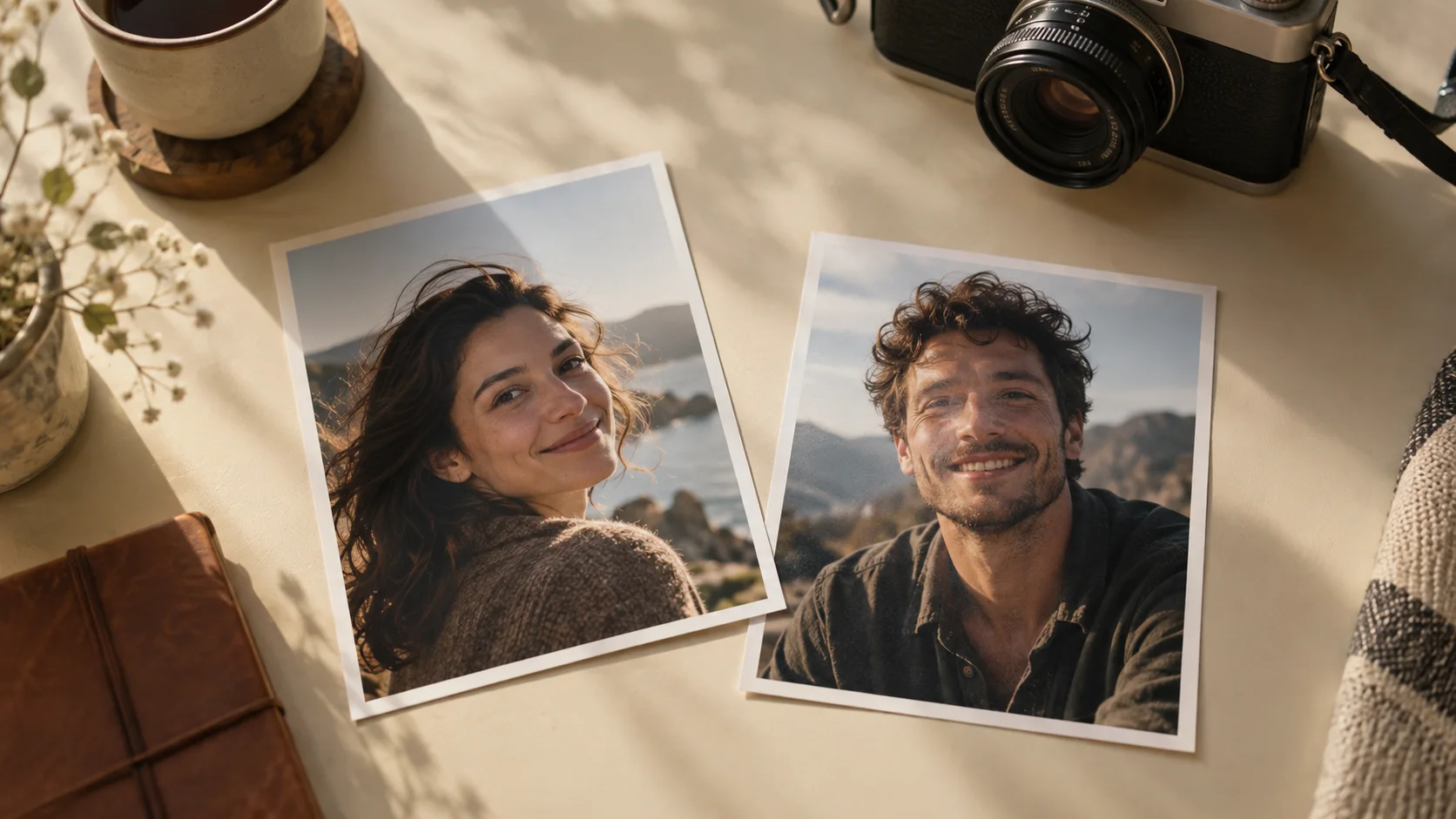
Photo 1 is the human who recognizes their partner. Photo 2 is the partner who appears as a zombie and as their healthy self in the memory. Keep these identities and roles consistent in every scene.
Begin in a quiet, ruined cabin. The human is afraid, then recognizes the familiar face beneath grey skin and cloudy eyes. Keep the face recognizable, with no blood, wounds or biting.
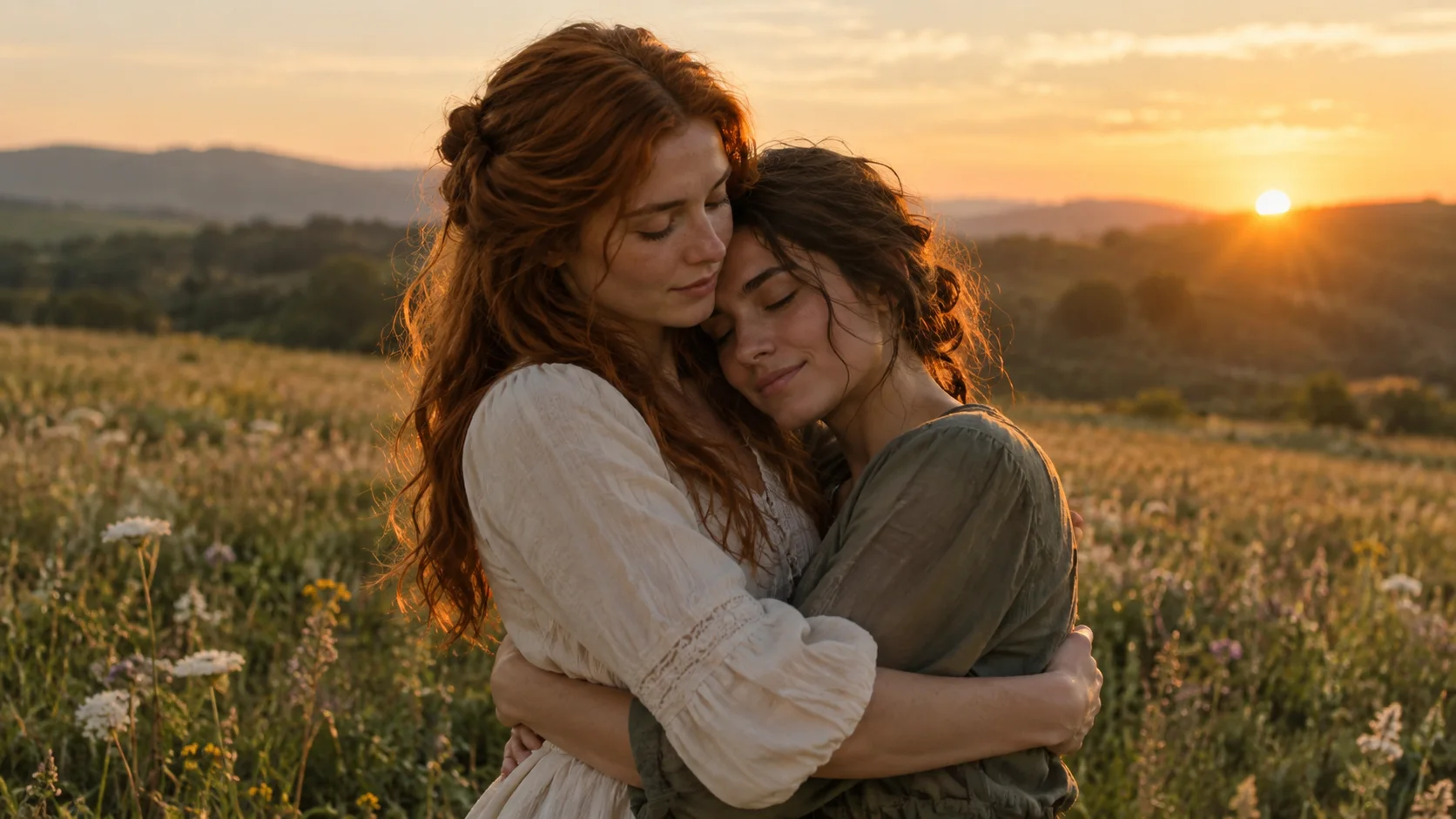
The human opens their arms. The partner approaches and they embrace. At contact, cut to the same embrace in a sunlit grassy field. Both are now healthy, and the ending feels like a warm memory of their happiest day.
Keep the direction of movement and body positions compatible across the cut. Use a cinematic look and a gentle emotional score, without dialogue, text or extra characters. Adapt the duration and framing to the settings supported by the video tool.
The prompt describes the result you are asking for, not a guarantee of exact faces, timing or anatomy. If your chosen tool produces shorter clips, plan the encounter and the memory as separate shots. Keep the same role assignments, and check the final frame of the embrace against the opening frame of the memory before joining them.
You do not paste this text into ZombieTrend. Our creator uses a prepared story. Make the story from your photos if you would rather choose the characters and let the team prepare the video.
Why the two photo roles matter
Use one intended subject per image. If both photos contain several people, the role descriptions are harder to interpret. Choose photos that show the face clearly, and agree with the other adult about which role they will take.
The survivor and the zombie are story roles, not a requirement for a particular gender. Two adult partners or friends can supply the references. A photo taken on a different day is fine as preparation; matching outfits and backgrounds are not necessary for the relationship to make sense.
For our pet option, photo one is the adult owner and photo two is the dog or cat. Pet motion needs its own treatment: a human leap is not a realistic action for every animal. Use the pet story page to see the kind of reunion before choosing photos.
The hug-to-memory match cut
The transition works when a movement in the tense scene continues into the happy scene. The direction of the approach, body positions and point of contact give the viewer something to recognize across the cut. A fade between unrelated poses creates a different effect.
A snowy slope and a sunlit meadow can both be imagined as memories, but the location alone does not create continuity. The same two identities and the same connected action do that work. In the current ZombieTrend creator, the memory location is part of the prepared story, rather than a separate option you select.
Our story explanation explores this transition, and the video examples show different interpretations of the reunion. Gallery scenes and durations vary; they are not all available as selectable templates.
Prompting it yourself or using the prepared creator
| Decision | A compatible DIY video tool | ZombieTrend |
|---|---|---|
| Story instructions | You write and adapt the prompt | The story is prepared |
| Character preparation | Attach references and assign roles | Add two separate role photos |
| Scene assembly | Depends on the tool; you may join clips | Follow the creator's request flow |
| Quality and format | Check the tool's controls | Choose the options shown in the generator |
| Cost and delivery | Check that tool before generating | Review our generator and credit packs before submitting |
DIY can suit someone who wants to experiment with a different setting and edit the result. ZombieTrend suits someone who wants the prepared emotional story with their own people or pet, without managing a prompt or a timeline. The full creation guide walks through our photos, options and submission steps.
Common zombie trend prompt questions
Is the prompt free?
The original planning text on this page is free to copy. Video generation is separate. Our creator uses paid credits; copying a prompt does not provide free video generation or a free credit balance.
Can I change the story by pasting a prompt into ZombieTrend?
No. The current generator has prepared human and pet stories, with quality and format options. A custom location or script requires a separate DIY workflow in a tool that supports it.
Can a prompt guarantee that my face stays identical?
No. Clear references and stable role descriptions help communicate the goal, but AI output can alter facial details, motion and timing. Our photo guide helps you choose readable source images.
Prefer not to write prompts? Start with your photos
Open the ZombieTrend generator, select Human & zombie or Pet & me, and add one clear photo for each role. Review the current options and delivery details before submitting. If you want to see the story first, explore the prepared template.