Zombie Trend Ideas for Couples
Find a personal angle for your couple zombie trend video: anniversary keepsakes, long-distance love, role choices, and original captions.
Have your two photos ready? Create your zombie story ↗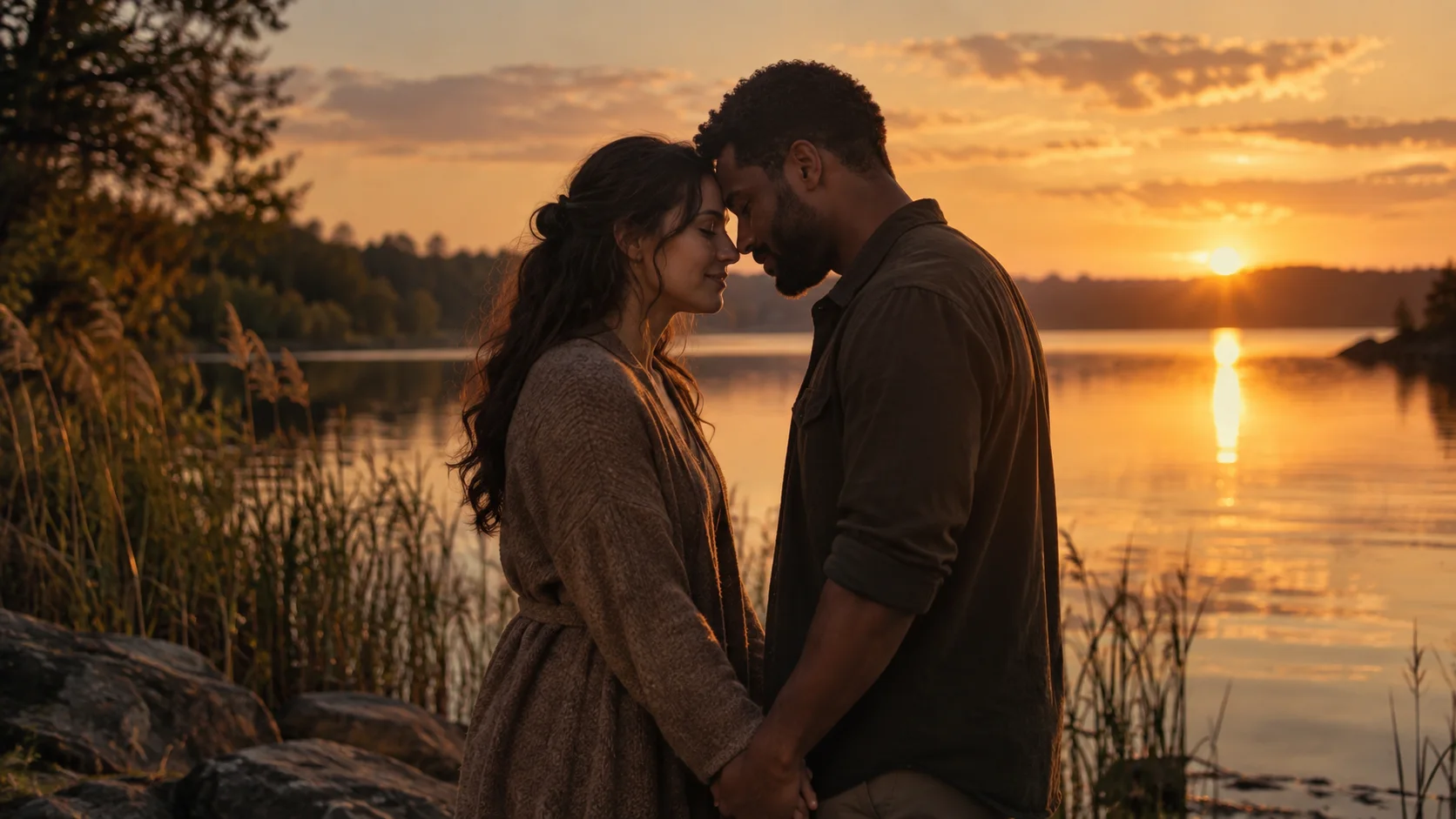
Choose the idea that fits your relationship, then make your couple story in the homepage generator. Two individual adult photos are all you need to begin; no prompt or editing timeline is required.
Choose a story to share with a friend
The same Human & zombie story can celebrate two adult friends. Choose who stays human and who turns before selecting photos. For a friendship post, use a dedication about showing up for each other rather than suggesting the clip depicts a real event.
Here are three original captions you can adapt after receiving the video:
- “A different world. The same friend beside me.”
- “You would still get the first hug.”
- “Some friendships survive every plot twist.”
For a couple, try “Every version of the world, still you.” These are posting captions, not text added by the generator. Watch human story examples, then start your two-photo story.
See the prepared story before choosing photos
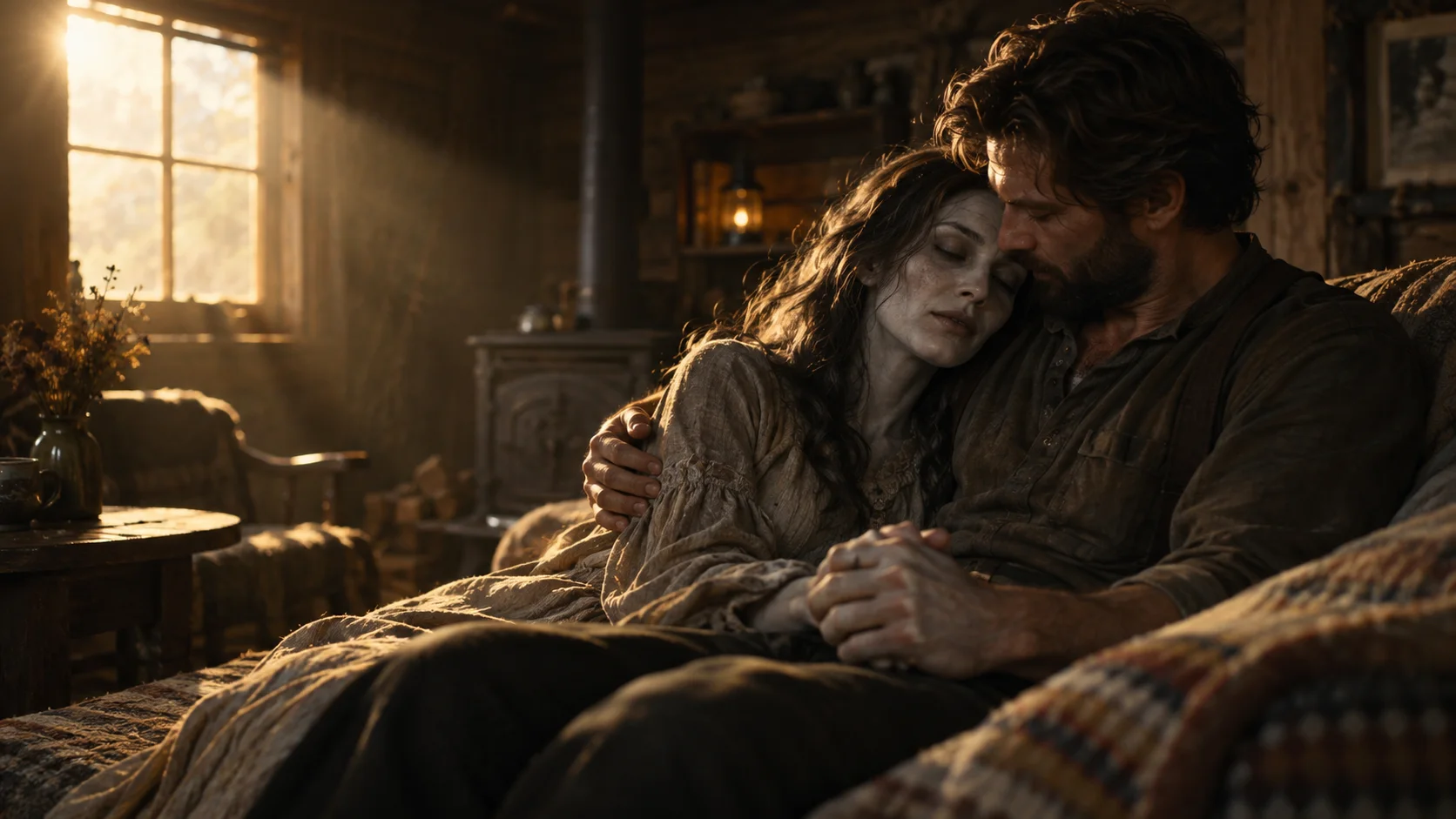
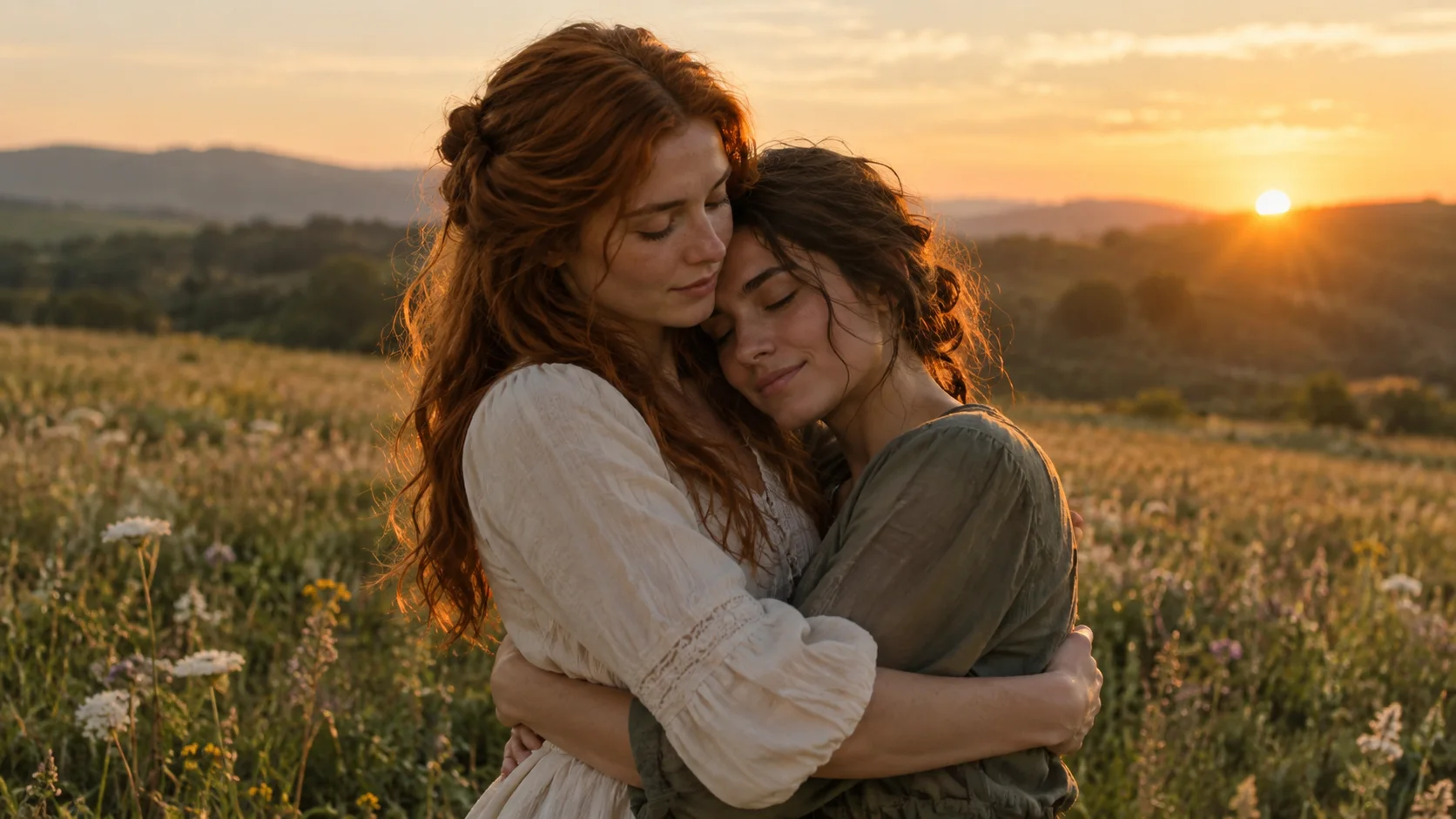
The zombie trend template shows the encounter, recognition, embrace and memory. Choose it because the whole story fits your message, rather than expecting a particular anniversary venue or background. If your story is with a dog or cat, visit the pet creation page and choose Pet & me in the homepage generator.
Start with what the story means to you
The couple zombie trend puts a relationship into an impossible situation: one of you has changed, and the other chooses to hold on. A warm memory gives the story its ending. That structure is already written in ZombieTrend, so personalization begins with the people and the meaning you attach to the clip.
Agree on the roles, choose clear photos of both adults, and think about how you will share the finished video. A dedication or an original caption can turn the same prepared story into an anniversary keepsake, a long-distance message, or a playful movie moment.
The ideas below are presentation choices. They do not imply that you can select new scenes, change the script, or request a different location through the current creator.
Idea 1: An anniversary keepsake
Use portraits that feel like you as a couple today. When the video arrives, share it with a short note about a real memory: the ordinary day you still talk about, the place you first met, or the moment you knew you wanted to stay together.
An original caption could be: “All those ordinary days. I'd choose every one again.” Your note can mention the memory even though the AI video's prepared scene does not recreate that exact place.
This makes the clip part of a personal message instead of requiring it to tell your entire history in 15 seconds.
Idea 2: A long-distance message
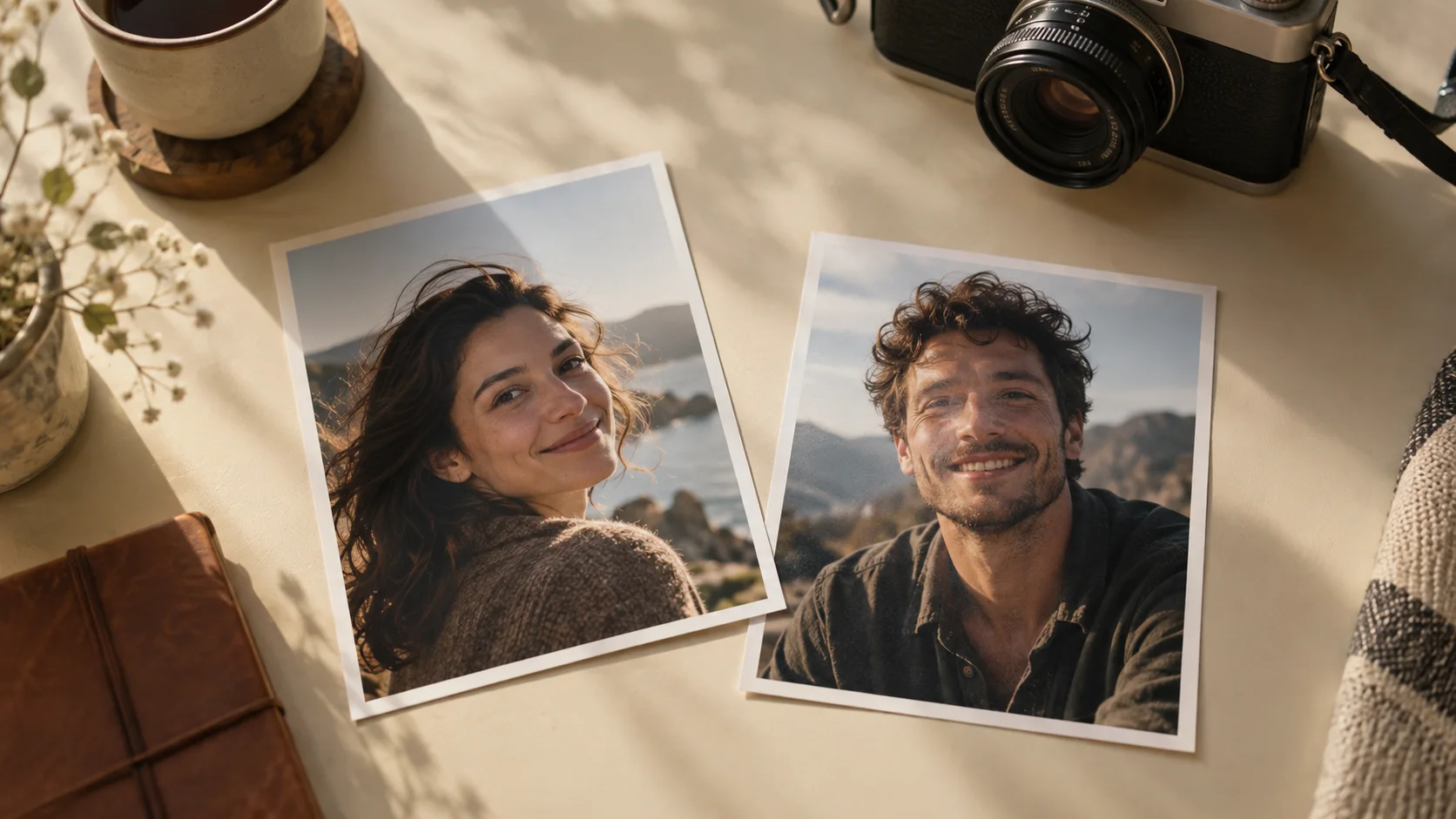
You do not need a new photo taken together. Each adult can choose a separate, well-lit portrait and agree to have it used. That is useful when your favorite shared picture is old, blurry, or crowded with other people.
Pair the finished clip with a message about staying connected across the distance. Try an original line such as: “Different places. Same person I want beside me.” The emotional link comes from the dedication and recognizable subjects.
Choose the output format based on how you will send it. A vertical video fits a phone screen naturally; landscape gives the composition more width.
Idea 3: A playful movie moment
If you both enjoy dramatic films, lean into the contrast between the tense opening and the affectionate memory. Agree on who takes the zombie role before uploading the photos, then keep the caption light.
An original caption: “Our most dramatic date yet.” You can make it a private joke without presenting the clip as real footage. AI-created faces and motion can vary, so the fun is in the story rather than a claim that it perfectly reproduces either of you.
Idea 4: A quiet dedication
You do not have to post the video publicly. Send it directly with a sentence that belongs to your relationship. “Still you. Still us.” is a short original starting point; adding your own words will usually make it more meaningful.
A private dedication also lets you decide together whether to share a personalized clip beyond the two of you. Permission to upload a photo and comfort with public posting are separate conversations.
Idea 5: A story about loyalty
The Human & zombie option can use two adult friends as well as romantic partners. The scene remains an embrace and a happy memory, but the caption can center on friendship rather than romance.
For a friend who has always shown up, an original line could be: “If the world changes, the team doesn't.” Check that both of you are comfortable with the affectionate story style and the zombie appearance before making it.
Make the roles and photos work together
Photo one is the adult who remains human. Photo two is the adult who becomes the zombie. Choose one clear face per image, with the eyes and mouth visible. Avoid heavily filtered portraits or a group image uploaded twice.
Your clothing and backgrounds do not need to match. A recognizable face is more useful than a photo that already looks like a movie still. The photo guide provides a checklist, and the story explanation shows why identity and movement matter.
From an idea to a submitted request
Open the creator, choose Human & zombie, and add the two photos in order. Pick 480p for 200 credits or 720p HD for 300, plus portrait or landscape. Sign in and confirm your permission to use the images before submitting.
Buying credits alone does not start a video. Once the request is successfully submitted, our team creates the 15-second video with sound and emails it within 12 hours. Follow the full tutorial to check each step.
Can I put my caption inside the generated video?
The current creator does not accept a custom caption or script. Add your dedication in your message or your posting editor after receiving the clip.
Can I choose a snowy or beach memory?
Those can be inspiration for a DIY story, but they are not selectable locations in the current ZombieTrend creator. The public couple example shows a warm field memory.
Turn your idea into a couple story
Open the generator and choose Human & zombie. Add one individual photo for each adult, select quality and format, and submit your request. Keep your chosen dedication for sharing the finished video, which arrives by email within 12 hours of successful submission.